
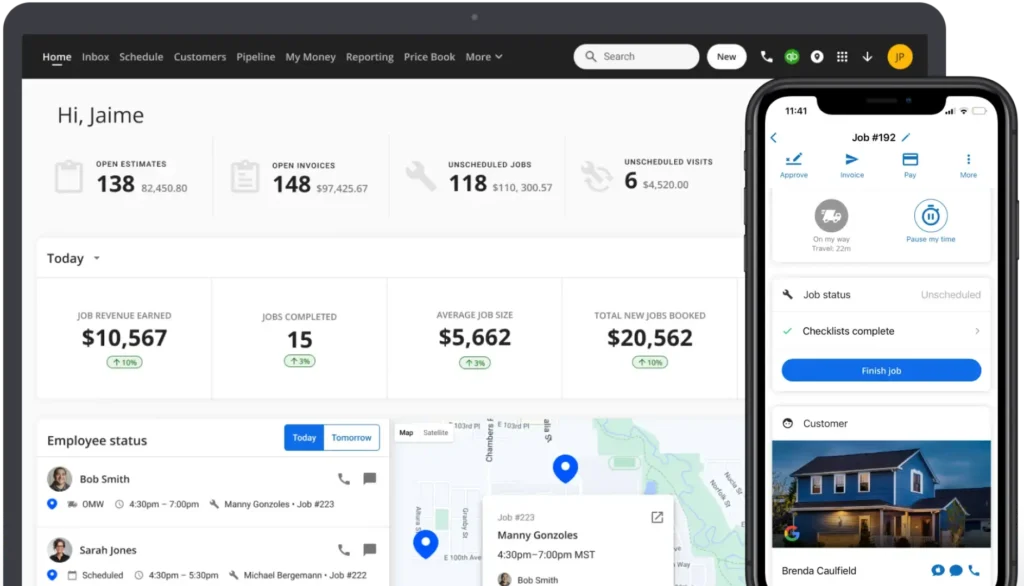
A website that only takes calls is a brochure. A content portal turns that same site into an operating layer: one place for customers, techs, and the office to get the right information without chasing each other.
The problem portals fix
In a typical shop, answers live in five places: the owner's head, a binder in the office, a group text, a Drive folder nobody updates, and whatever the CSR remembers from last week. That creates the same pain every week:
- CSRs ask techs the same warranty and pricing questions
- New hires shadow for weeks because nothing is written down
- Customers call for status, hours, or "do you do…" when the site could have answered
- Marketing asks for photos and before/afters that are stuck on phones
A content portal doesn't replace your CRM or dispatch. It gives everyone a single, current source of truth that sits on the site you already own.
What belongs in a plumbing content portal
Keep it practical, not academic:
- Customer-facing: service explainers, what to expect on a visit, emergency vs. scheduled, financing FAQ, maintenance tips that reduce unnecessary truck rolls
- Team-facing (login or private links): how we quote, how we talk about common jobs, photo standards, upsell scripts that match your brand, onboarding checklists
- Process: request forms that feed your CRM, content request queues (need a blog, need a Facebook post), approved logos and truck wrap files
When that lives behind one URL, you stop rebuilding the wheel every hire and every busy Monday.
How it streamlines the day-to-day
- Fewer interruptions. Techs and CSRs look up the answer instead of pinging the owner.
- Faster onboarding. Week-one reading beats month-one guessing.
- Cleaner marketing. One approved library means ads, the site, and Google Business Profile stay consistent.
- Better customer self-serve. Clear content cuts "quick question" calls that never should have been calls.
- Handoffs that stick. When someone is out, the process isn't in their inbox.
Start small
You don't need a giant intranet on day one. Ship three things: a customer FAQ that matches how you actually work, a short "how we do jobs" guide for the team, and a simple form for content or job photo uploads. Improve it when something breaks in real life, not on a whiteboard.
The companies that grow past the owner-as-bottleneck stage aren't the ones with the flashiest homepage. They're the ones where information moves without the owner in every thread. A content portal on your website is one of the cheapest ways to get there.
Plumbify's plumber-focused sites support this kind of setup — public pages that convert plus structure for resources and workflows.
Learn more at Plumbify →